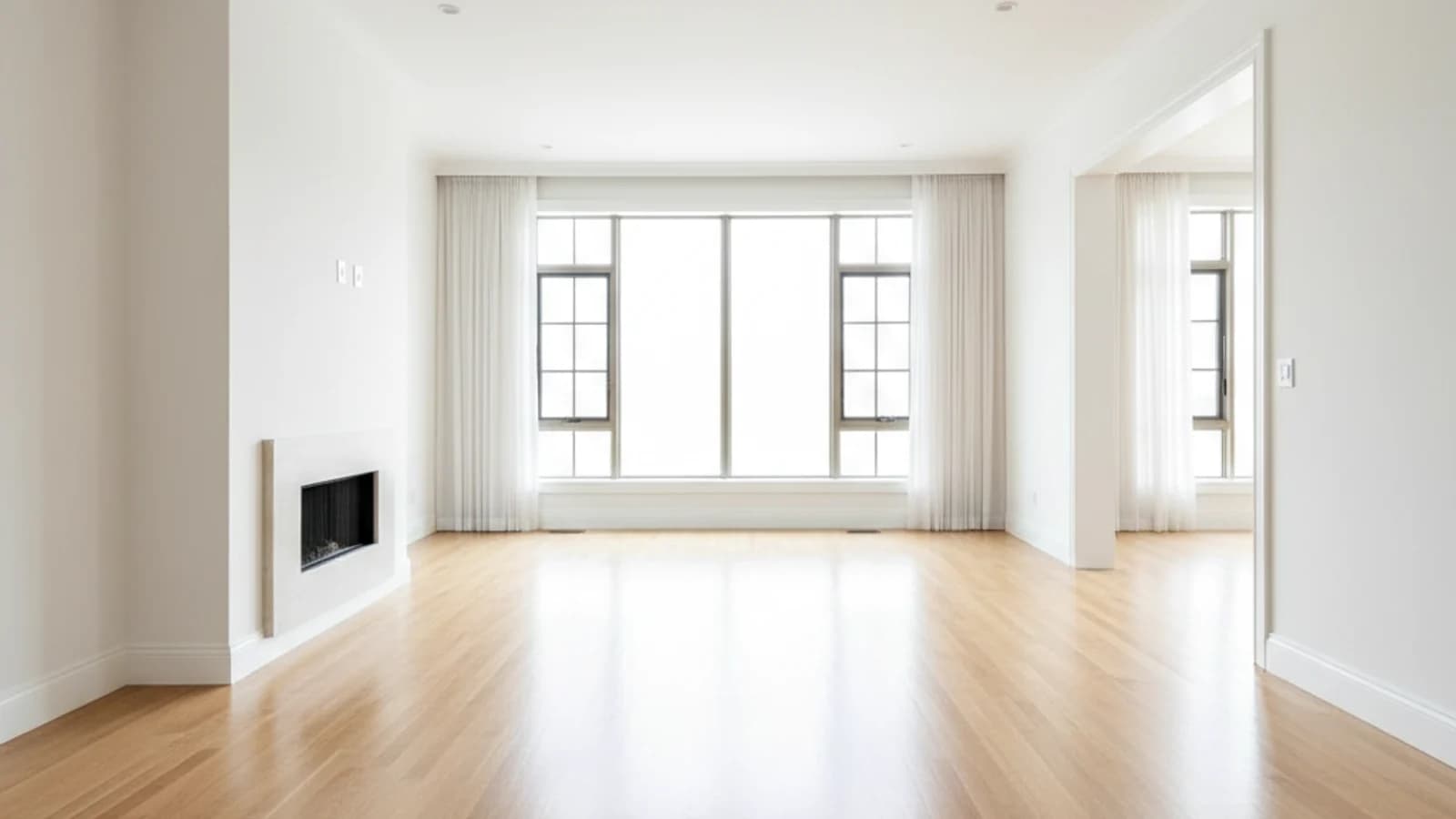
Tenant-occupied homes
Clean up rented or owner-occupied properties where staging and preparation are limited.
Photo Tool
Remove distracting furniture and clutter so buyers can read the room faster, imagine more possibilities, and understand the true layout of the property.
Featured workflow
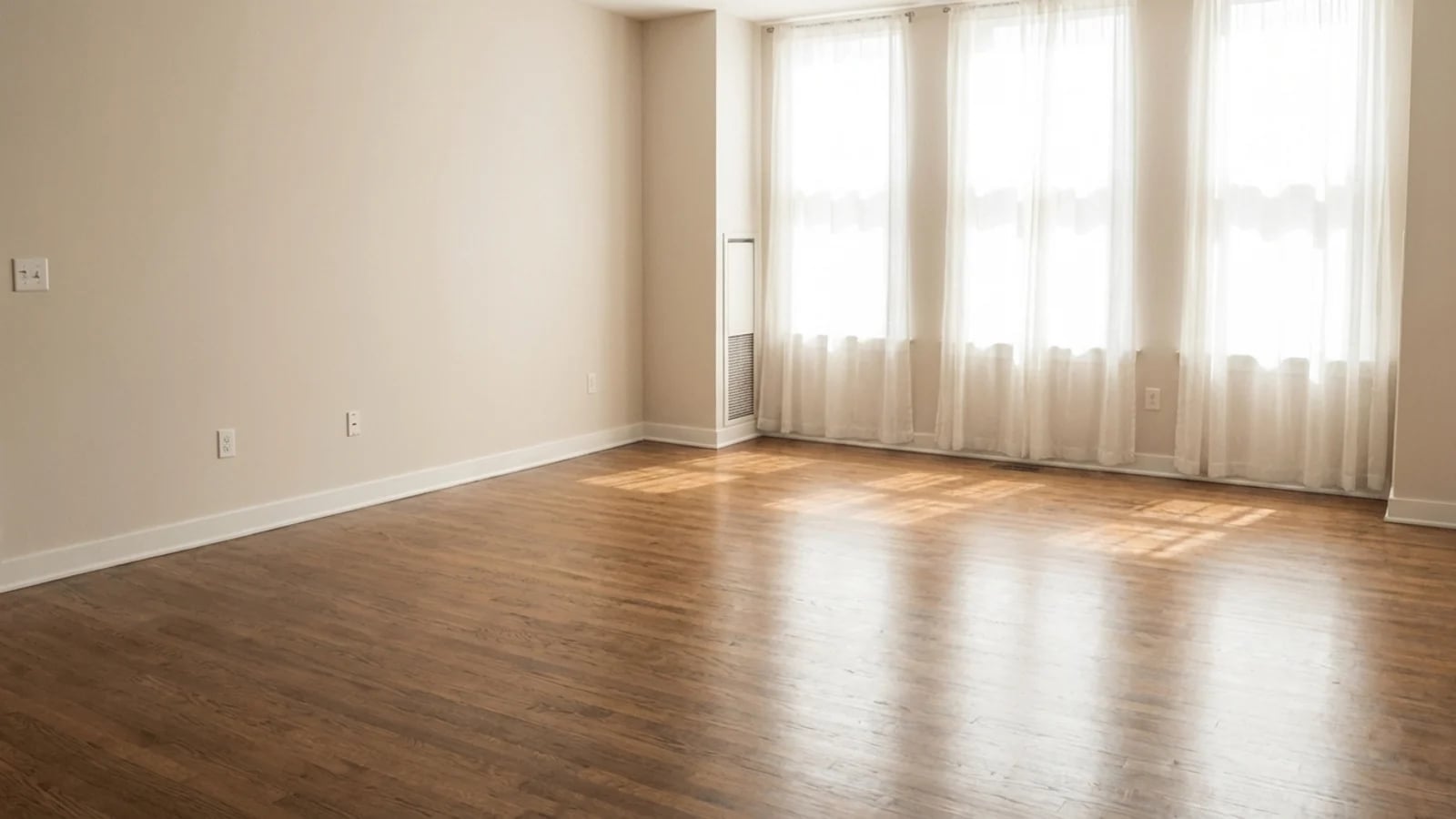
When the room feels cleaner, buyers notice proportion, natural light, and circulation instead of temporary mess or outdated furniture.
visual hierarchy across every listing image
buyer comprehension of room flow and scale
to remove distracting objects from the frame
Feature proof
When the room feels cleaner, buyers notice proportion, natural light, and circulation instead of temporary mess or outdated furniture.

Why it matters
These pages are designed for more than presentation. They help teams communicate value faster, explain the workflow clearly, and create stronger confidence before a trial or demo request.
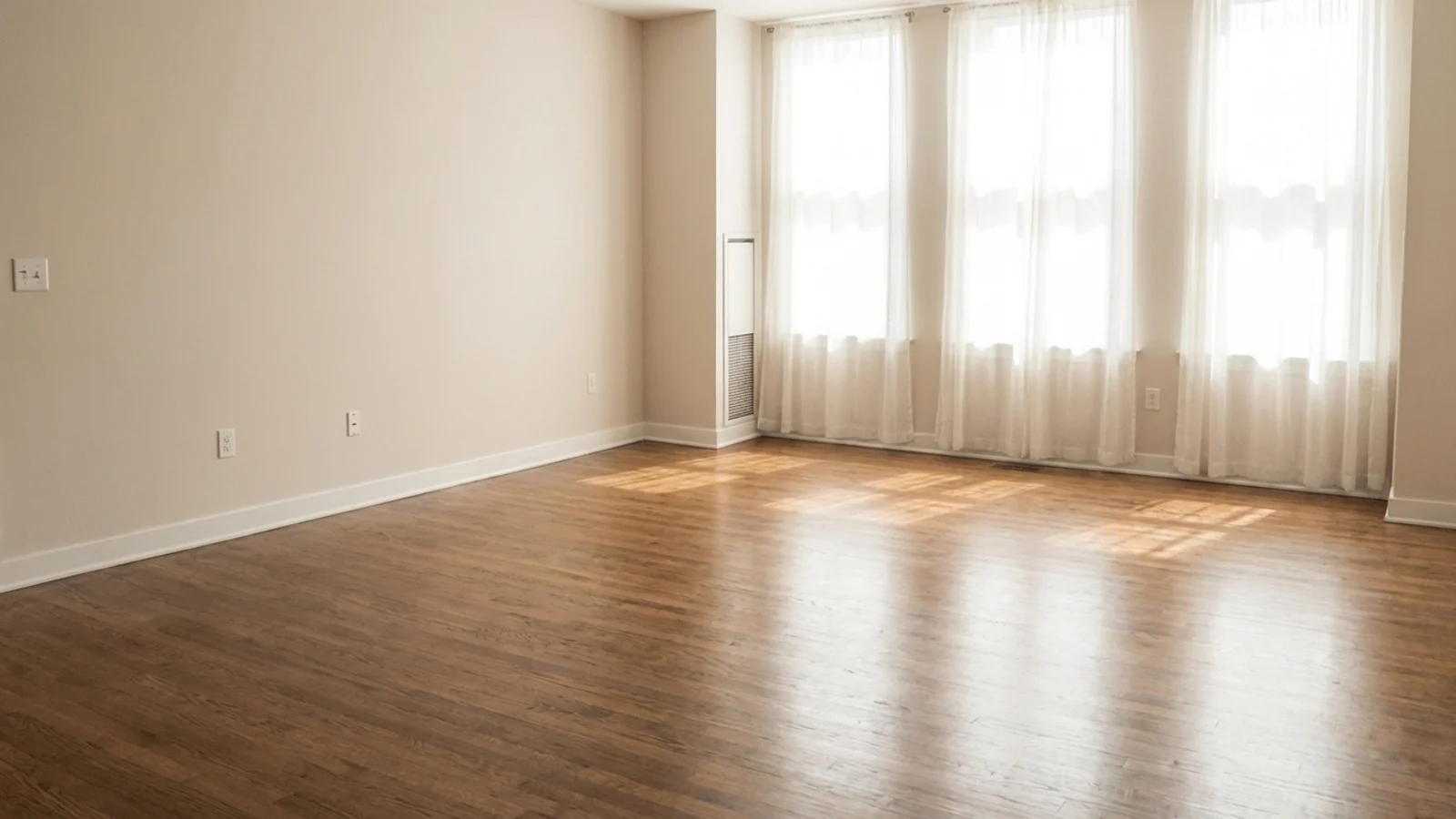
Helps rooms feel larger and more legible without a physical clean-up day.
Removes outdated or distracting objects that weaken premium positioning.
Works especially well when agents cannot control the condition of the property at shoot time.
Use cases
Each feature is meant to support real publishing behavior: faster launches, better listing quality, and stronger campaign coverage across portals, decks, and social.
Clean up rented or owner-occupied properties where staging and preparation are limited.
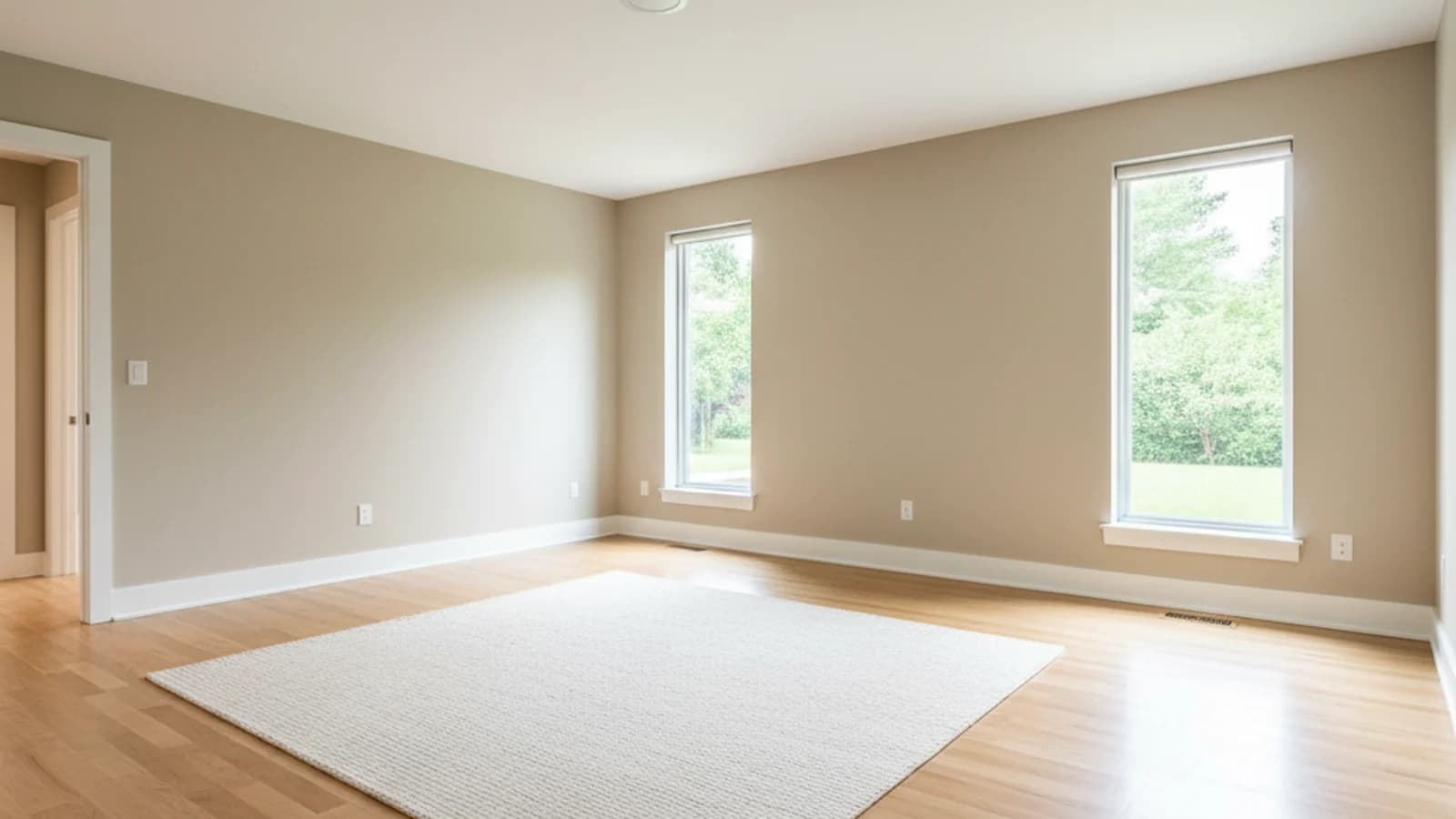
Simplify visuals during move-out periods when rooms feel crowded or temporary.
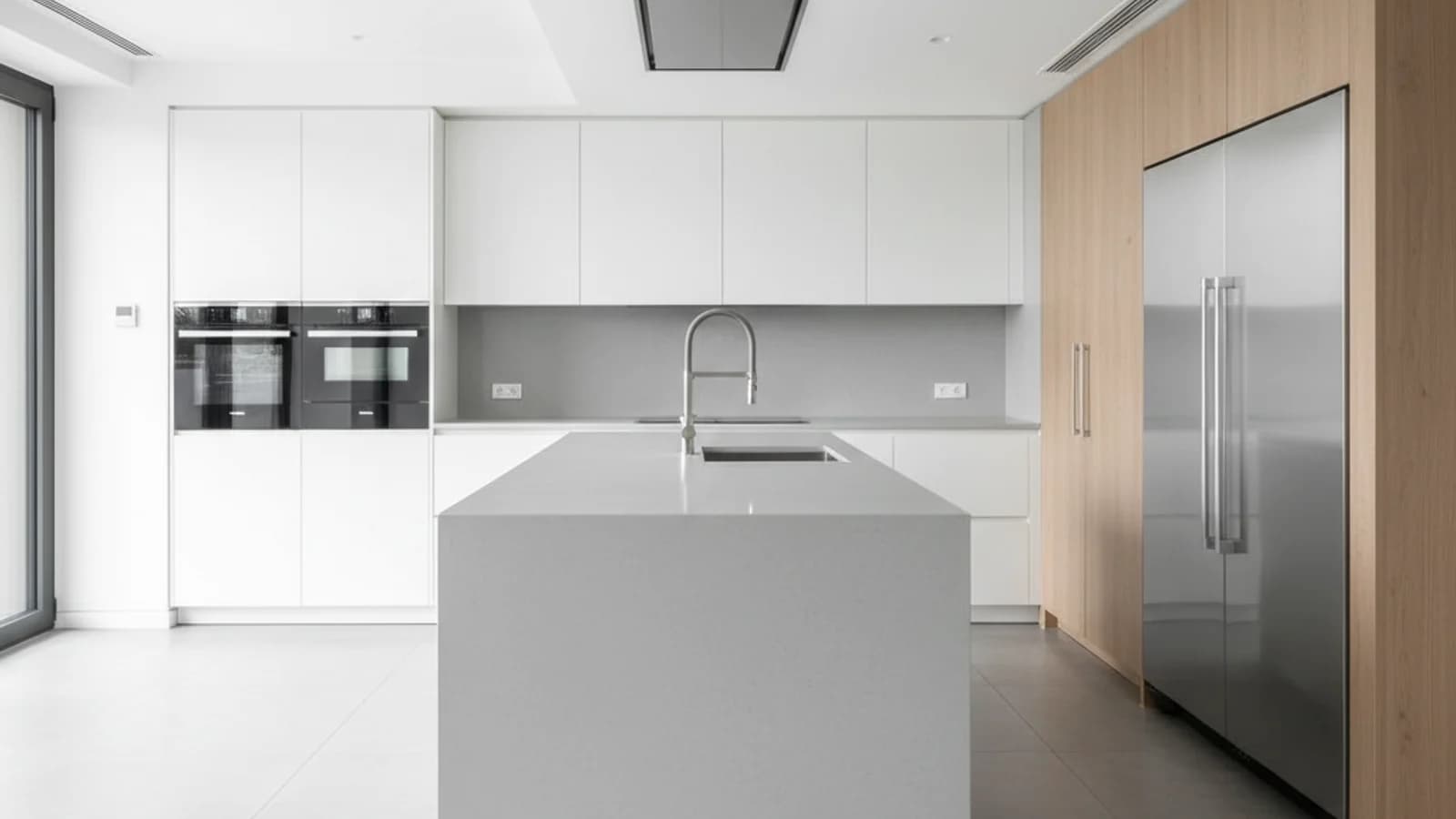
Reduce distraction in listings where too many objects are competing for attention.
Search-focused content
AI photo cleanup removes the visual noise that pulls a buyer's eye away from the room itself. With Proply Lens, agents can erase clutter, leftover boxes, distracting decor, and outdated furniture in seconds — without retouching the room by hand.
Unlike a generic AI object remover, this workflow is tuned for real estate photo cleanup: the result still feels like an honest representation of the listing, just without the distractions that hurt first-click performance.
Tenant-occupied and owner-occupied listings rarely give you a clean shoot day. Use AI furniture removal to lift heavy or dated pieces out of the frame so the room reads larger, brighter, and easier to imagine.
The same one-click AI object remover handles smaller items: pet bowls, cables, signage, personal photos, and other details that should not appear in a marketing image.
Virtual staging works best on a clean canvas. Running an AI photo cleanup pass first — to remove existing furniture, clutter, and distractions — gives the staging step a much better starting frame and a more believable result.
This two-step flow (cleanup, then stage) is the fastest way to turn a lived-in room into a market-ready hero image without misleading edits.
Furniture removal is the right call when the room itself is the asset and the contents are what the listing is fighting against. Tenant-occupied homes, parental downsizes, investor portfolios, and short-notice relist situations almost never give the photographer a clean shoot day: there is a couch in the middle of the living room, laundry drying on a chair, a desk wedged under a window, and a cat tree nobody asked about. In those situations the architecture, the light, and the proportions are fine — buyers just cannot see any of them through the clutter. An AI cleanup pass lets those listings compete with vacant-home marketing without forcing the occupants to move their life into storage for a weekend.
It is also the right tool when the goal is to set up a believable virtual staging step afterwards. Staging on top of an already-busy room produces a crowded, visually confused result where the old sofa and the new sofa argue with each other inside the same frame. Removing the existing furniture first gives the staging pass a clean canvas, which makes the final image look planned instead of layered, and protects the listing from looking like a Photoshop composite. Treat removal as the preparation step rather than the finishing step and the rest of the marketing workflow gets easier.
It is the wrong tool when the furniture is the story the buyer came for. Fully furnished turnkey investments, short-term rental listings, high-end staged properties where the seller is including the interior, and serviced apartments are all cases where the contents are part of what is actually being sold. Erasing the dining table from a turnkey vacation rental misrepresents the offer; erasing a staged designer sofa from a luxury sale hides the reason the price is what it is. When the furniture is deliberate, the honest move is to photograph it well, not to remove it.
It is also the wrong tool when removal would hide a structural defect, a safety issue, or a feature that buyers need to evaluate honestly. If the couch is covering a cracked floor tile, deleting the couch deletes the couch and keeps the cracked tile; the photo now implies a clean floor that does not exist. Similarly, if a piece of furniture is in the frame specifically because it hides an unusable corner, a support column, or a structural awkwardness, removing it in marketing and then showing it at the inspection just burns trust. Use removal to clear visual noise, not to hide anything a buyer would reasonably want to know about before they visit.
Related features
Search topics
FAQ
Yes. It is especially valuable when agents cannot fully prepare or stage the space before the shoot but still need a cleaner marketing presentation.
The goal is not to make every room look sterile. It is to remove distracting objects so buyers can understand the room itself more clearly.
Absolutely. Rental and tenant-occupied properties often benefit because the room layout becomes easier to read without depending on current furniture taste.
Next step
Start with a trial, test the workflow on a live property, and use the related feature links to build a complete Proply Lens publishing stack.