
Luxury launches
Create elegant motion teasers for high-end homes and development launches.
Video Tool
Build vertical and widescreen slideshow videos from your best listing images so every property can show up as motion-first content for reels, ads, and presentations.

Featured workflow
A single photo set can become a launch reel, a listing walkthrough cover, and a social-friendly video asset without starting from scratch.
for widescreen and vertical distribution
reused across photo and video campaigns
social output without a dedicated edit timeline
Feature proof
A single photo set can become a launch reel, a listing walkthrough cover, and a social-friendly video asset without starting from scratch.

Keep the familiar image set, add motion pacing, and publish formatted video assets for websites, ads, and short-form channels.
Why it matters
These pages are designed for more than presentation. They help teams communicate value faster, explain the workflow clearly, and create stronger confidence before a trial or demo request.
Turns still photography into motion assets that travel better on modern platforms.
Helps premium listings feel more editorial and more dynamic in launch campaigns.
Reduces the gap between a finished photo gallery and a finished video teaser.
Use cases
Each feature is meant to support real publishing behavior: faster launches, better listing quality, and stronger campaign coverage across portals, decks, and social.
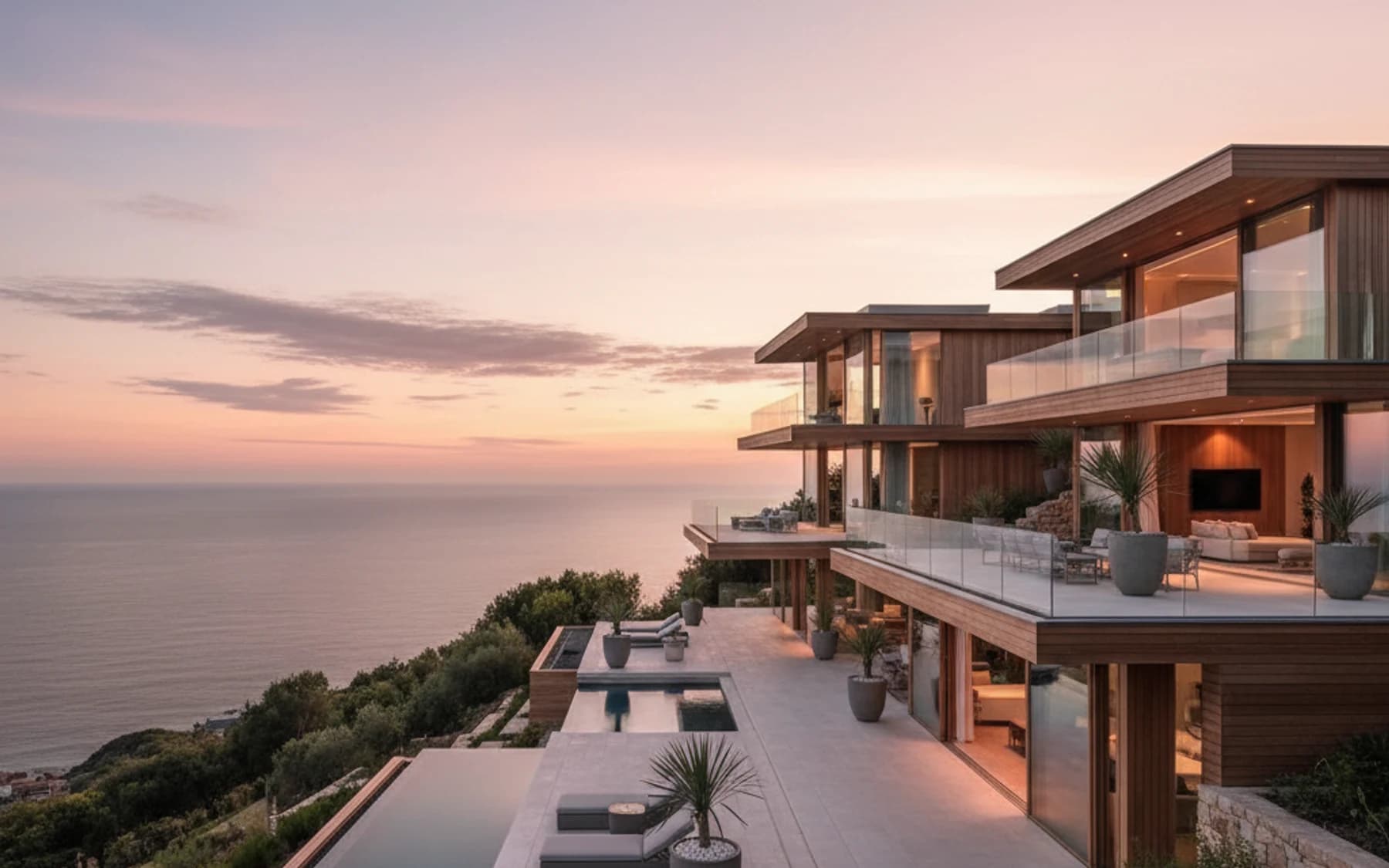
Create elegant motion teasers for high-end homes and development launches.
Produce reels and story formats from the same photo package already approved by the client.
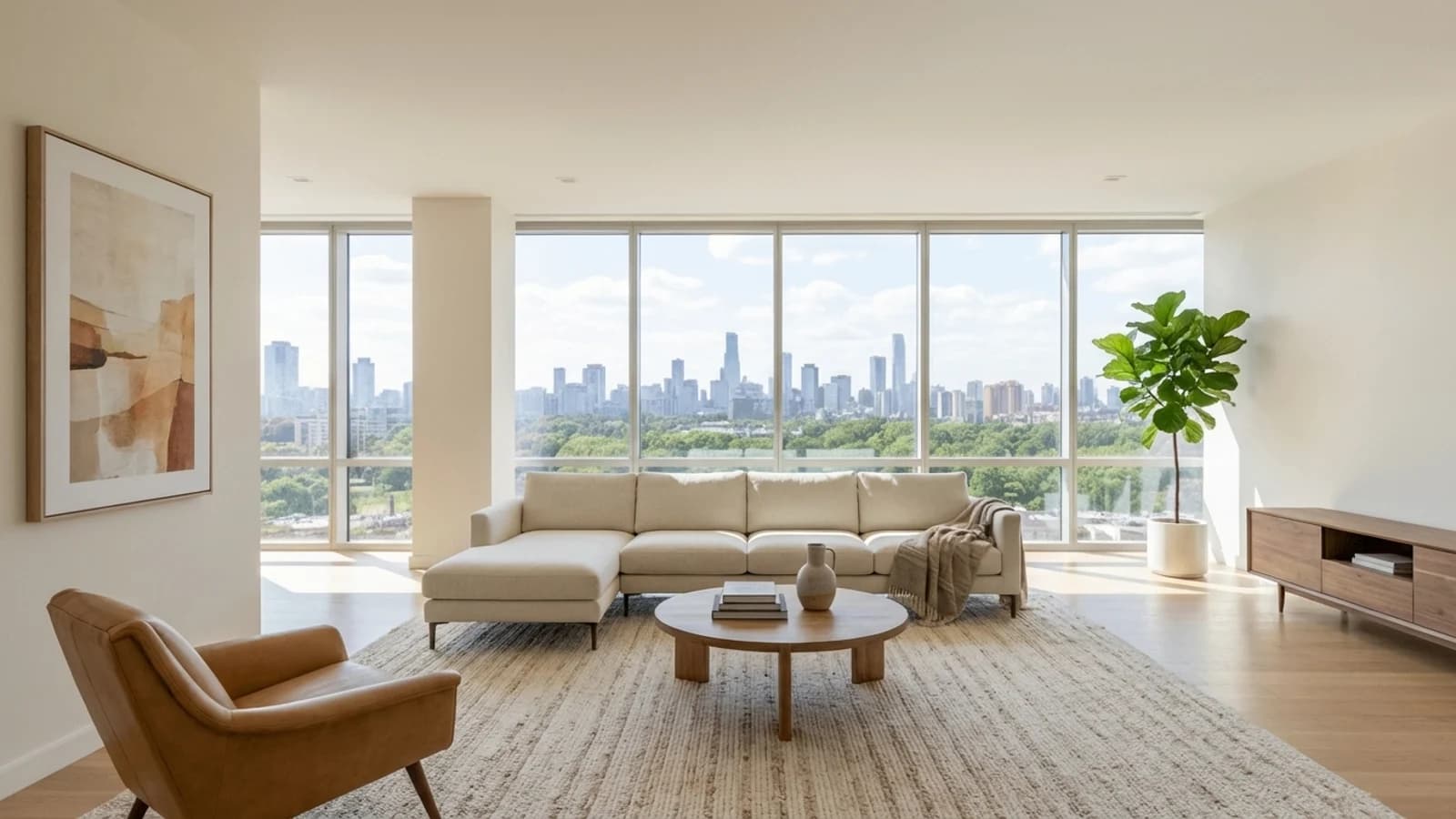
Use video slideshows inside listing pages, pitch decks, and outbound follow-up materials.
Search-focused content
A real estate video maker turns the listing photos you already have into motion-first marketing assets — reels, story-format teasers, widescreen slideshows — without a manual edit timeline. Proply Lens packages this as a single workflow so any property can ship a video alongside the photo gallery.
Unlike a generic clip editor, this real estate video editor is tuned for property pacing, listing-friendly framing, and fast turnaround per gallery.
Most agents already have the assets for a real estate marketing video — the listing photo set. The bottleneck is editing time. Proply Lens removes that step so the same shoot can become a launch reel, an open-house teaser, and a social-friendly clip on the day the listing goes live.
This is the simplest way to build a real estate video from photos when there is no time or budget for a dedicated videographer.
Use the real estate slideshow maker for portal-friendly widescreen output, then export a vertical cut for reels and stories from the same project. One photo package, multiple distribution-ready outputs, no second edit pass.
It is positioned as a property listing video maker, not a full production suite — so the workflow stays fast enough to use on every listing.
Video slideshows are the right call when the listing needs a motion asset and a second shoot is either impossible or uneconomical. Social algorithms on Instagram, TikTok, YouTube Shorts, and Facebook now reward video over stills by a wide margin, and a listing that only exists as a photo gallery simply does not surface in the same volume as one that ships with a reel. Turning the existing gallery into a slideshow closes that gap without asking the photographer to come back, without a videographer day-rate, and without a manual edit timeline. For a launch reel, a story teaser, a website hero, or a brokerage presentation, that is usually all the motion the listing needs.
It is also the right tool when the same photo set has to feed multiple channels at once. A single project can export as a widescreen 16:9 slideshow for the website, a 9:16 vertical cut for reels and stories, and a trimmed version for an ad set — all from the same source. That reuse is where slideshows earn their place in a high-volume workflow: one photo package becomes four or five marketing deliverables on launch day, and the brokerage does not have to staff each one separately.
It is the wrong tool when what the listing actually needs is a real video walkthrough. Hero properties — trophy homes, developer model units, buildings with strong circulation and architectural flow — sell on continuous motion through space, and a slideshow of stills will always feel staged against a proper gimbal or drone walkthrough of the same unit. If the property is priced or positioned in the top segment and the buyer expects cinematic treatment, a slideshow is a placeholder, not the final asset. Use it for the first-week launch so the listing goes out on time, then plan the real video shoot as a second phase.
It is also the wrong tool when the underlying photo set is too small or too weak to carry a video. A cinematic cut still needs enough frames for pacing — roughly twelve to twenty strong images — and if the shoot only produced six usable photos, a slideshow will just loop the weak ones back into the viewer's attention. Fix the photo set first, either by running the enhancement pass or by reshooting, and then assemble the slideshow from a gallery that has the material to sustain thirty seconds of motion.
Related features
Search topics
FAQ
No. It is designed as a fast property marketing workflow that converts existing listing visuals into polished slideshow-style video assets.
Because many channels now reward motion more than stills. Video slideshows help the same listing package perform across reels, ads, and presentation environments.
Yes. The feature is positioned around campaign flexibility, especially for 16:9 and 9:16 real estate marketing formats.
Next step
Start with a trial, test the workflow on a live property, and use the related feature links to build a complete Proply Lens publishing stack.