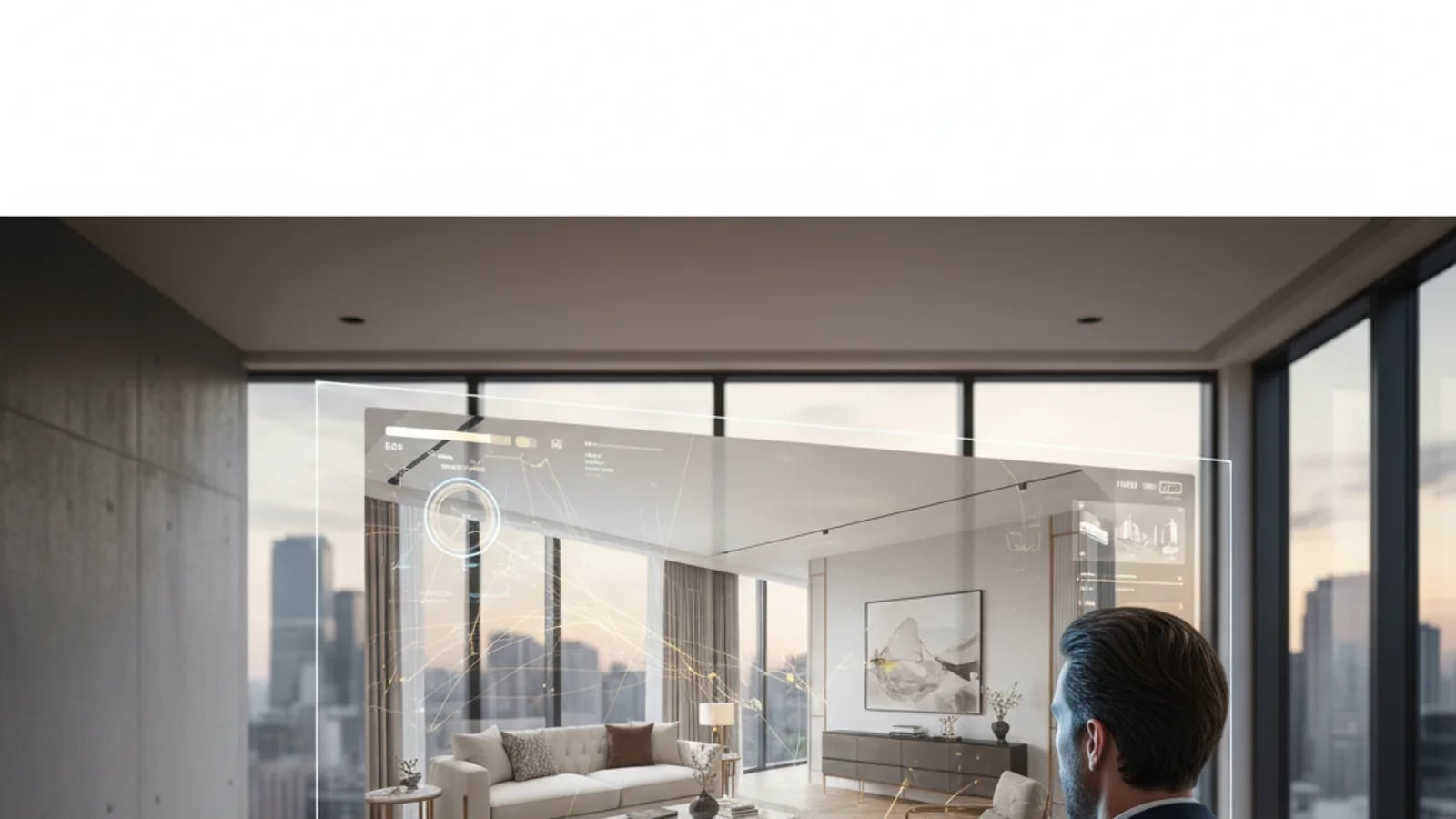
AI virtual staging works best when it follows a disciplined process. Agents do not need a long design brief, but they do need a repeatable method for deciding which room to stage, what visual style to use, and whether the result is believable enough to publish. The good news is that the process can be reduced to five practical steps that keep the work fast and listing-safe.
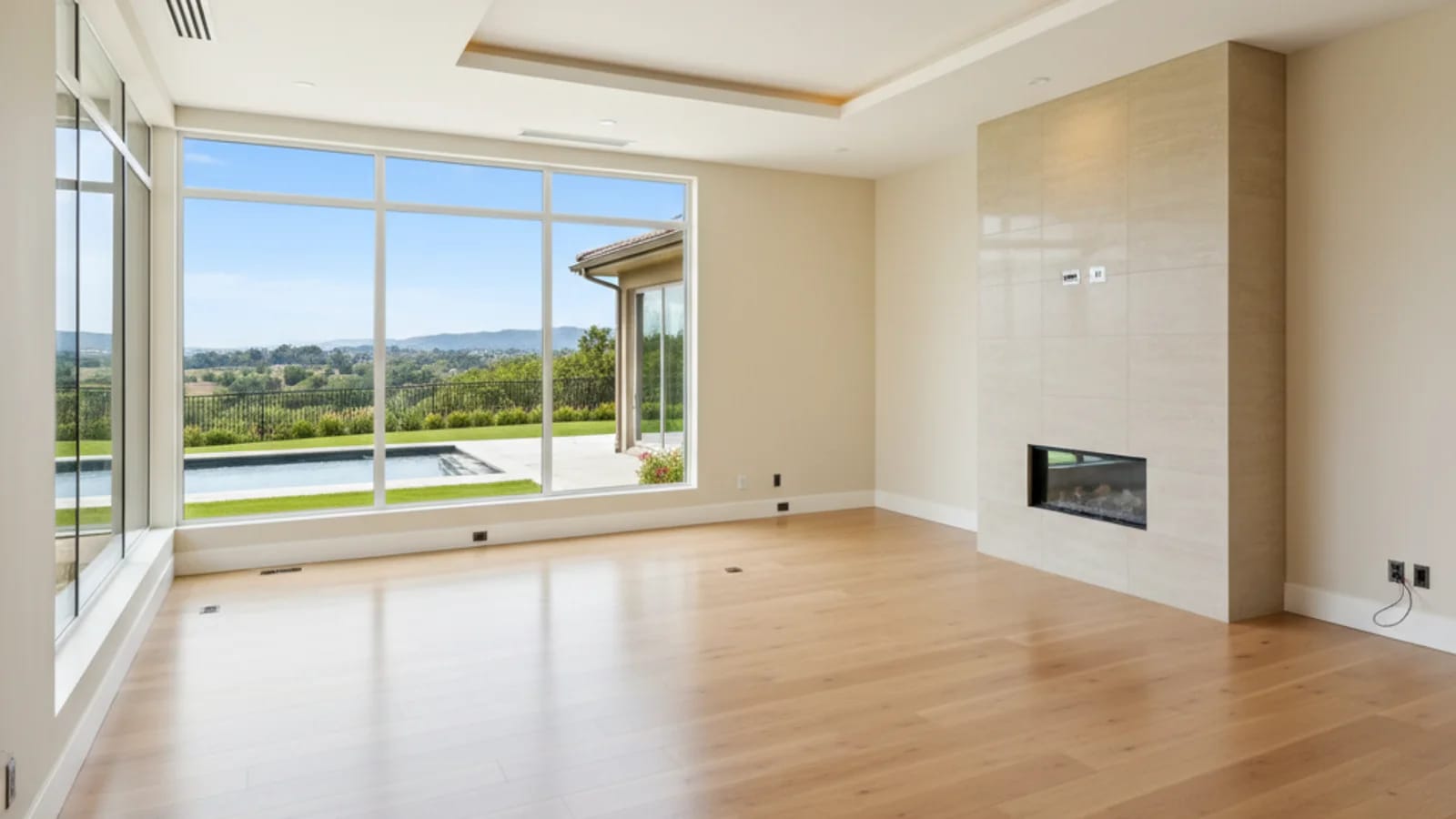
Step 1: choose the room that needs imagination most
Start with the room that feels the most emotionally incomplete in the gallery. In many cases, that is the living room or primary bedroom. The NAR staging snapshot is useful here because it shows the rooms most often staged and most influential for buyer perception.
If the room already has good furniture but feels messy, it may be a better candidate for furniture removal rather than staging. The goal is to pick the right intervention first.
Step 2: clean the base image
Before staging, make sure the photo itself is usable. Straighten verticals, balance the light, and remove obvious distractions. A weak base image creates weak staging output. This is why many teams stage after running the frame through AI enhancement.
Even when the room is empty, the quality of the source frame affects whether the staged result looks credible or synthetic. Better input almost always produces better staging.
Step 3: pick a style that matches the listing, not your personal mood board
The best staging direction is market-aware. A downtown investment unit should not be styled like a family farmhouse, and a warm resale home should not suddenly become a hyper-minimal showroom unless the property actually supports that story. Zillow’s Showcase virtual staging launch is a good reminder that style selection matters enough to become a buyer-facing interaction.
When in doubt, keep the visual language clean, modern, and restrained. Buyers need enough context to imagine living there, not enough décor to feel like they are being sold a catalog.
Step 4: review for realism and disclosure risk
Check furniture scale, line consistency, and whether the staged scene still feels like the actual room. Then make sure your publishing workflow respects local MLS disclosure expectations. If you need a compliance refresher, use our disclosure guide before upload.
This review step is what separates strong staging from risky staging. If something feels too perfect or too detached from the room, it probably needs to be dialed back.
Step 5: reuse the staged image across more than one surface
A staged image is most valuable when it becomes more than one thing. Use it as the hero image on the listing page, the lead frame in a slideshow video, a feature block in a seller presentation, or a before-and-after proof point in your blog. That multiplies the value of the same creative asset.
For teams that want this workflow to become repeatable rather than manual, the right move is to keep the staging process inside a larger system such as Proply Lens virtual staging, where the image can feed the rest of the visual stack directly.
Sources and further reading
Frequently asked questions
What is the best first room to virtually stage?+
Usually the room that needs emotional context most, often the living room or primary bedroom. Those spaces tend to shape how buyers imagine the property overall.
Should I enhance the photo before staging it?+
Yes, when the base frame needs better exposure, cleaner light, or a more polished foundation. Better inputs generally create better staging outputs.
How do I know if the staging style is wrong?+
If the furniture scale feels off, the room no longer matches the listing’s market position, or the style distracts from the architecture, the direction is probably too aggressive.
Topics covered in this guide
how to create AI virtual staging, AI virtual staging steps, real estate virtual staging workflow, virtually stage a room, AI staging tutorial.