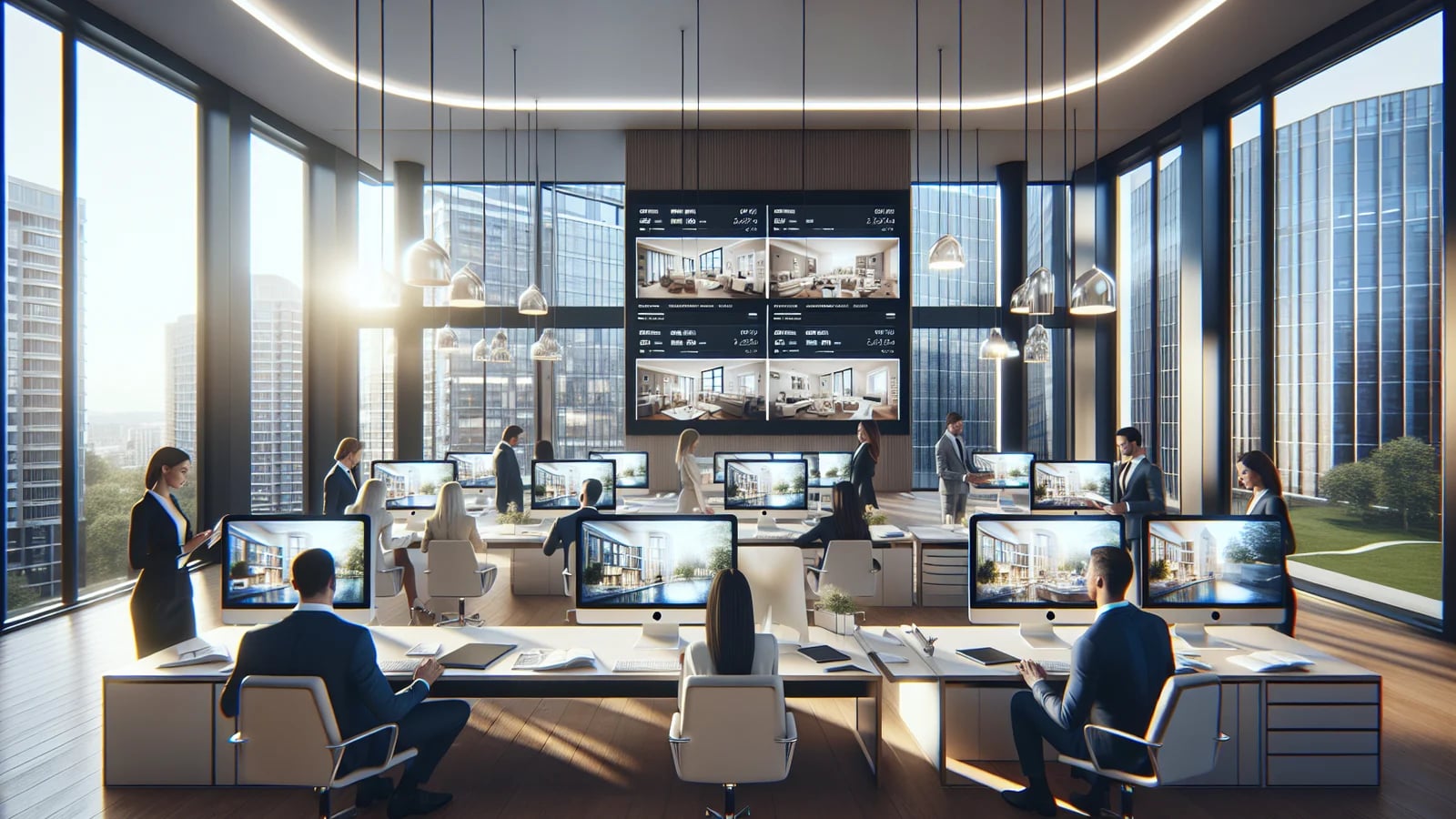
A single agent managing five listings per month can absorb inconsistent editing workflows without too much pain. A team managing fifty cannot. At scale, every manual step — sourcing a freelance editor, briefing style preferences from scratch, waiting for revisions, re-exporting for different portals — multiplies into a production bottleneck that slows launch velocity and erodes brand consistency. The teams that solve this problem are not necessarily larger. They are more systematic. This guide covers what that system looks like in practice.
The bottleneck is almost never the photos themselves
Most teams blame photo quality when listings underperform. In practice, the more common problem is inconsistency. Photos that are good individually but vary in tone, brightness, and cropping create a gallery that feels assembled rather than produced. Buyers notice. Portal algorithms that prioritise time-on-page notice too.
The root cause is usually a lack of a shared editing standard. Without one, each agent makes independent decisions about who edits, how much retouching is appropriate, and what the finished result should look like. The output depends entirely on whoever handled that particular listing — not on the brand.
Define a visual standard before you build a workflow
The most durable fix is a short brief document that answers three questions: what tone and colour grade represents the brand, which edits are always applied (brightness correction, sky cleanup, object removal), and what the cover image formula is for different property types.
That brief does not need to be long. A one-page reference with three example images per property type is enough to align a team. Once it exists, onboarding new agents, briefing new vendors, and reviewing output all become faster because there is a shared reference point.
Tools like Custom Branding make it easier to enforce that standard at the output stage — watermarks, overlays, and logo placement become consistent by default rather than a manual check on every listing.
Build a repeatable input-to-output sequence
Scaling visual production is essentially a sequencing problem. The most efficient teams treat each listing as a predictable pipeline: raw photos arrive, they are processed in a defined order, and a finished asset set leaves. The steps do not vary. What varies is the content, not the process.
A practical sequence for most teams looks like this: import and cull, apply baseline corrections via AI photo enhancement, remove unwanted objects with furniture removal, retouch exteriors if needed, stage any vacant rooms, add branding, then export in the required portal formats.
When this sequence is standardised, any team member can pick up a listing mid-workflow without re-briefing. That redundancy is what allows teams to maintain throughput when individual agents are at capacity.
Video should be part of the standard, not an upgrade
Teams that treat listing video as an optional add-on consistently under-produce it. When video is built into the standard workflow from the beginning — even at a simple slideshow level — every listing gets a motion asset and the team does not need to make a separate decision per property.
AI Video Slideshows integrate directly into a photo-first workflow. Once the photos are finished, creating a video becomes a step rather than a project. That matters for team throughput because it prevents video from being the bottleneck that delays publication.
For listings where a more branded or narrated video is appropriate, AI voiceovers and AI presenter outputs can be layered on top without requiring a separate production day.
Measure output, not effort
Teams that track how many hours editing takes per listing often focus energy in the wrong place. The more useful metrics are time from photo delivery to published listing, percentage of listings that meet the visual standard on first review, and how often the same editing notes recur across different agents.
Recurring notes are signal. If agents keep asking for the same fixes — over-bright windows, cluttered entry shots, inconsistent exterior tone — those fixes should become defaults in the workflow rather than corrections after the fact.
Sources and further reading
Frequently asked questions
How many photos should a team-standard listing include?+
Most portals perform best with 15 to 25 photos that follow a logical viewing sequence. More than 30 often reduces engagement as buyers lose track of the narrative.
Should every agent use the same editing style?+
Yes, if the goal is brand consistency. Variation between agents undermines the brokerage brand and makes listings feel produced by different companies rather than a single team.
Is it worth investing in a shared visual workflow for a small team?+
Even for teams of two or three agents, a shared standard reduces revision cycles and creates a faster path from photo delivery to published listing. The time savings compound quickly.
What is the single biggest efficiency gain most teams miss?+
Treating video as a step rather than a project. Teams that produce a basic listing video as part of the standard workflow consistently ship faster and with better portal coverage than those that treat it as optional.
Topics covered in this guide
real estate team listing workflow, real estate agency photo production, scale real estate marketing, real estate brokerage visual content, listing production workflow agents, real estate team marketing tools.