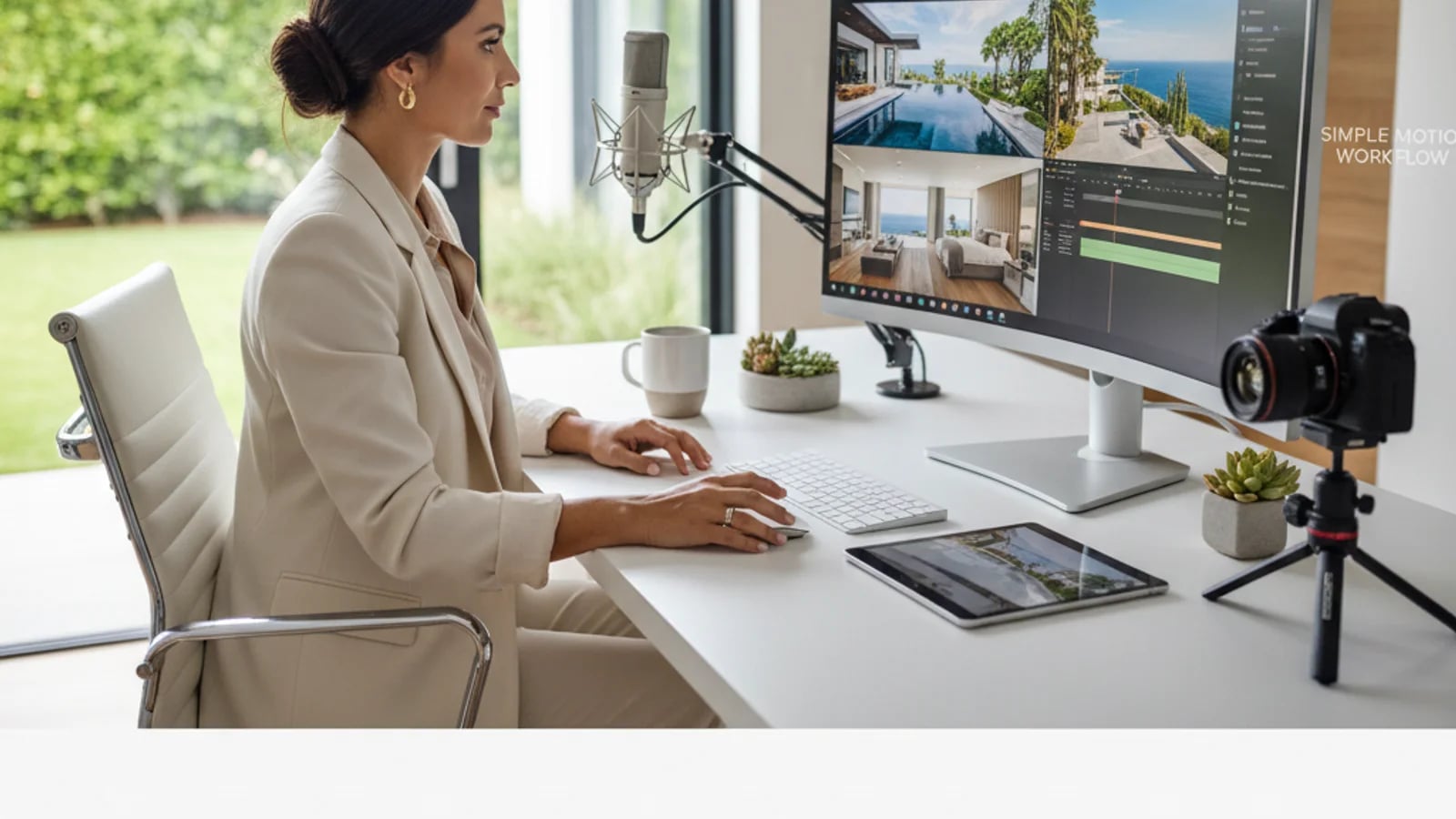
Hiring a videographer for every listing is rarely realistic, especially for teams managing multiple launches per month. But that does not mean those listings should go live without any motion content. A lightweight property tour workflow can still create a polished, premium-looking video by sequencing photography, applying measured motion, and tailoring exports to the channels that matter. The goal is not to fake a cinematic walkthrough. It is to create a useful, believable tour asset that improves marketing coverage.
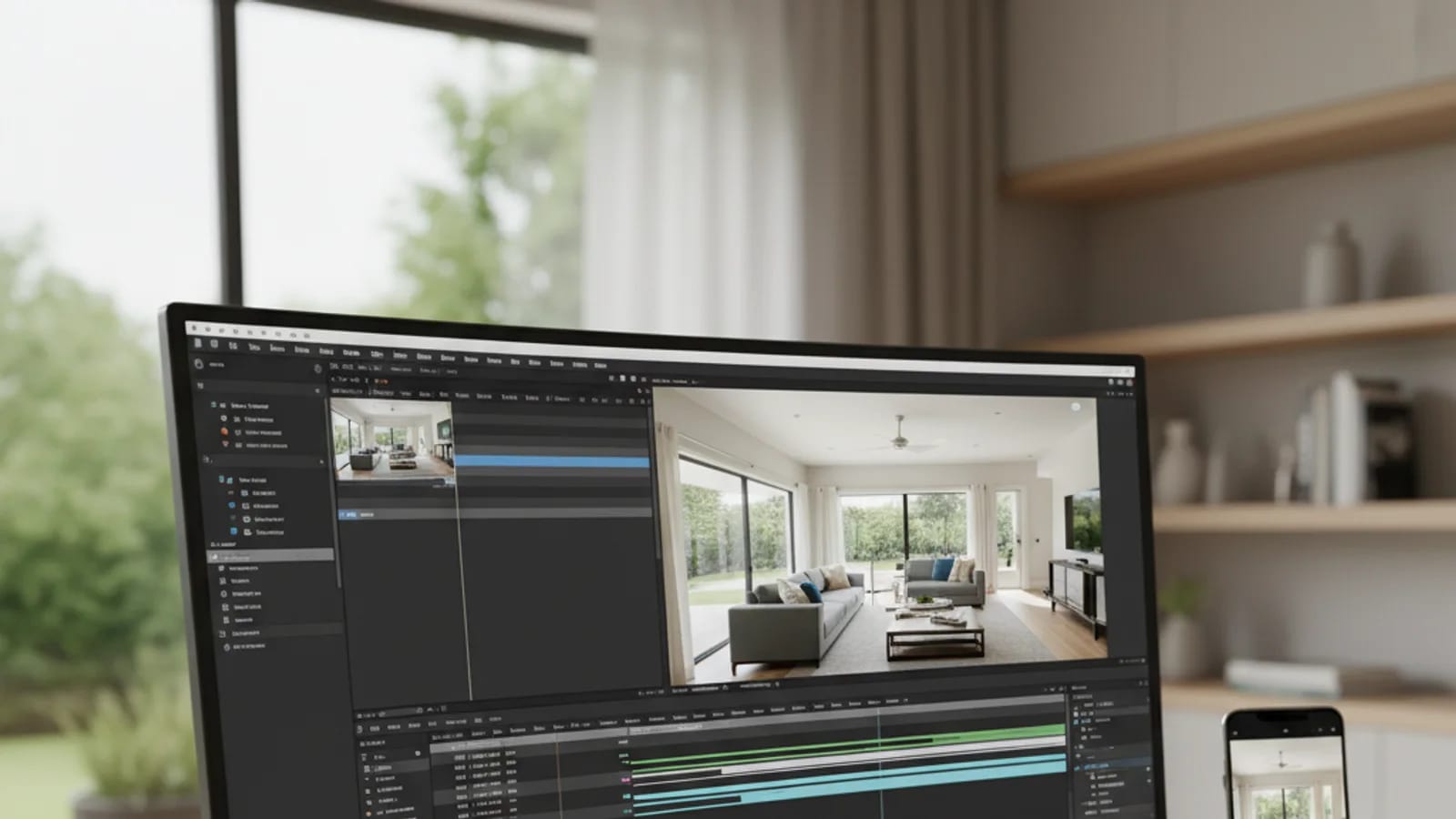
Think of the tour as a guided sequence, not as fake camera movement
A property tour video without a videographer should not try too hard to imitate a full walkthrough. Instead, it should guide the viewer logically through the home: exterior, entry, social spaces, private spaces, amenities, and close. That is enough to create momentum and orientation.
The most important input is a disciplined photo order. If the listing gallery is chaotic, the tour will be chaotic too. Start with the same principles discussed in our guide to making a professional real estate video from photos, then simplify further for clarity.
Use short-form rules to improve your full-length tour
Even if the final video is not a Short, short-form platforms are useful teachers. YouTube’s Shorts rules prioritize vertical or square framing and concise duration, which pushes creators toward more efficient visual storytelling. That discipline helps listing videos too.
If the property tour cannot hold attention in under a minute, the edit is probably carrying too much filler. A stronger version usually emerges when each frame has a clear role and no room lingers without purpose.
Fix image quality before motion
Lean video workflows work only when the stills already feel professional. Before export, strengthen the underlying frames with AI enhancement, improve curb appeal using exterior retouching, and stage empties with virtual staging where needed.
Once the base frames are solid, the motion layer can stay simple. That simplicity is an advantage. The final asset feels cleaner, renders faster, and is easier to repurpose into listing pages and social formats.
Export one master, then cut by use case
A practical property tour workflow should end with a master export plus at least one alternate format. The master can live on the listing page or in buyer follow-up. The alternate can be vertical and tighter for social discovery. If the same listing is also part of a pitch deck, the hero segment can be repurposed there too.
This is exactly where AI Video Slideshows become useful. The feature turns a one-off video experiment into a repeatable system. That means agents can give more listings a proper tour asset without turning every launch into a production bottleneck. The property virtual tours guide explains where that tour asset fits in the wider listing journey.
Sources and further reading
Frequently asked questions
Can a property tour video from photos still feel premium?+
Yes, if the source images are strong, the sequence is logical, and the motion is subtle. Premium feel comes more from curation and pacing than from flashy effects.
What is the biggest mistake in DIY property tour videos?+
Trying to include too many images or creating motion that feels exaggerated. The best tour videos are restrained and easy to follow.
Should agents make vertical versions too?+
Yes. Vertical cuts extend the same listing asset into Shorts, Reels, and story-based distribution where more discovery now happens.
Topics covered in this guide
property tour video from photos, create property tour video without videographer, real estate listing video workflow, AI property walkthrough video, lean video production for real estate.