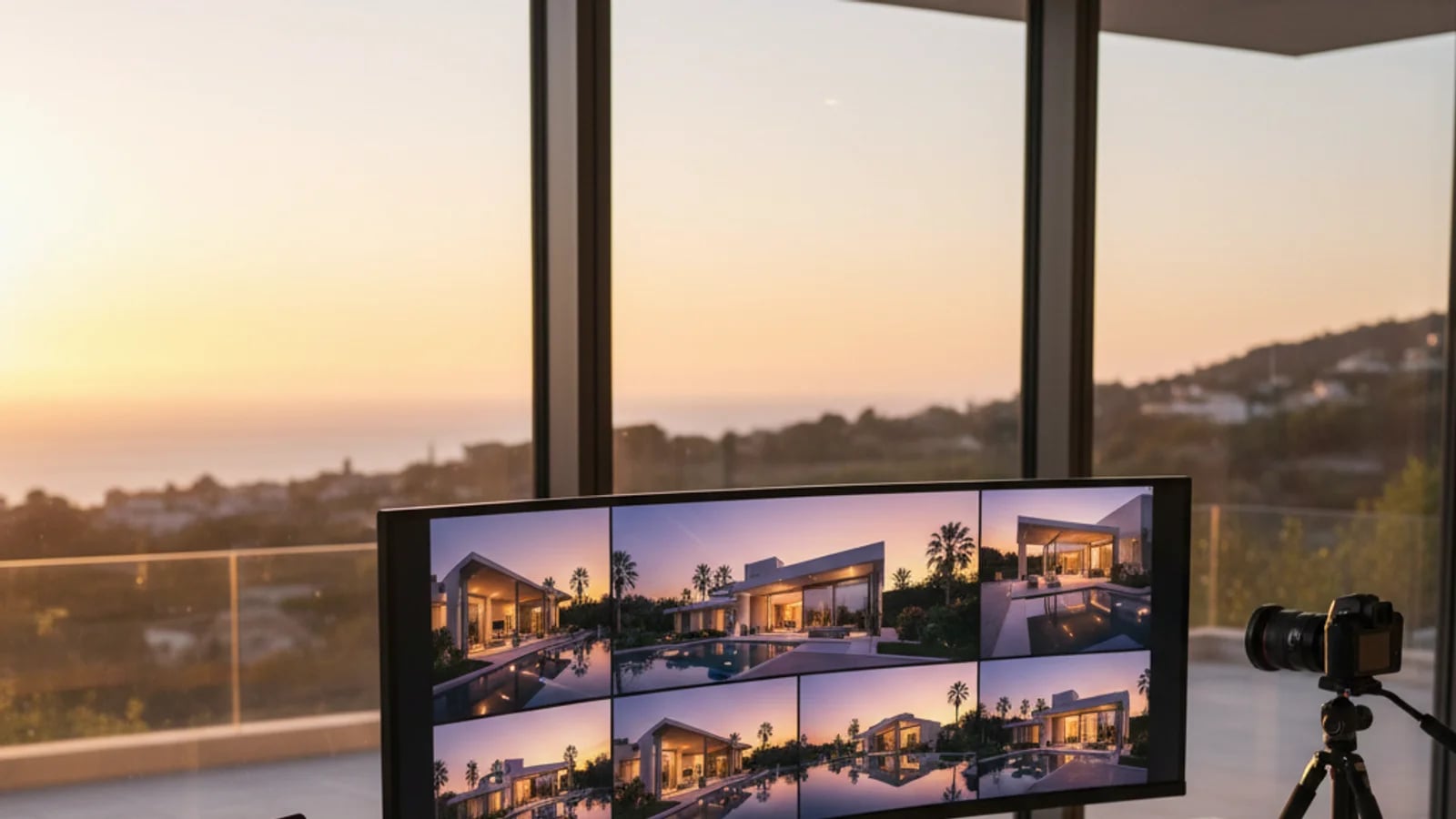
Property virtual tours have shifted from a premium differentiator to a baseline buyer expectation. Buyers now expect to explore a property online before deciding whether to schedule a showing — and listings without virtual tours are increasingly treated as incomplete. This guide covers the full landscape: how virtual tours work, how to create them, what they cost, which equipment to use, and how to integrate them into a complete listing marketing strategy that includes high-quality stills, staging, and video.
Why virtual tours have become essential for real estate
The real estate industry's shift toward digital-first property discovery was accelerated significantly during the pandemic, but the behaviour has persisted long after. Buyers now expect to explore properties online before committing to an in-person visit. A listing without a virtual tour or at minimum a comprehensive photo gallery feels incomplete — and in competitive markets, it often gets skipped entirely.
The data bears this out: listings with virtual tours receive more views, longer engagement times, and more inquiries than photo-only listings. The virtual tour functions as both a marketing asset and a lead qualification tool — buyers who explore the tour before reaching out are typically further along in their decision process and more likely to be serious about transacting.
Critically, virtual tours work best as part of an integrated listing media strategy — not as a standalone asset. The most effective listing presentations combine professional still photography, virtual staging of key rooms, a virtual tour or walkthrough, and video content — each serving a different stage of the buyer journey. For example, AI video slideshows can repurpose the same listing photos into social-media-ready video content that drives discovery, while the virtual tour handles the deep exploration phase.
Types of virtual tours: 360, 3D walkthrough, and video walkthrough
Not all virtual tours are the same technology, and the differences matter for buyer experience and production workflow.
360 panoramic tours use a series of stitched 360-degree photos connected by navigation hotspots. Buyers click through the property room by room, rotating the view at each position. These are the most common type of virtual tour due to their relatively simple production — capture with a 360 camera, process with tour software, publish.
3D walkthroughs (Matterport-style) generate a true 3D model of the space using depth sensors or photogrammetry. The result includes a dollhouse view, floor plan with measurements, and the ability to move smoothly through the space rather than jumping between fixed points. 3D walkthroughs provide richer spatial information but require more expensive equipment and longer processing times.
Video walkthroughs are recorded video tours (either standard or 360) that guide the viewer through the property with narration. They are often used as a complement to interactive tours, especially for social media distribution where passive video consumption is the dominant behaviour.
Most agents benefit from starting with 360 panoramic tours and adding 3D walkthrough capabilities as their listing mix moves upmarket. Video walkthroughs can be created from the same photo set using tools like AI slideshow generators, adding a video asset without requiring separate video capture.
The virtual tour production workflow
A reliable virtual tour production workflow has five stages: preparation, capture, processing, hosting, and distribution. Cutting corners at any stage degrades the final buyer experience.
Preparation is the most underinvested stage. Rooms need to be decluttered, lit consistently, and staged (physically or virtually) before capture begins. A clean, well-prepared room produces a dramatically better tour than a cluttered one captured with better equipment. If the room has furniture that detracts from the presentation, AI furniture removal can clean up the source photos before they enter the tour workflow.
Capture requires a level tripod, consistent height, proper overlap between positions, and attention to lighting consistency across the scan path. Rushing capture produces tours with misaligned transitions and uneven exposure — both of which cause buyer drop-off.
Processing and hosting are typically handled by the tour platform. The key decision here is platform choice, which should be driven by where the tour will be embedded and what analytics you need from viewer behaviour.
Virtual tours and search visibility
Virtual tours can contribute to SEO in two ways: directly, through the tour hosting page (which may rank for property-specific queries), and indirectly, by increasing time-on-page and engagement signals on your listing pages. Google's algorithms interpret longer dwell time and lower bounce rates as quality signals, and an embedded virtual tour that keeps buyers exploring the listing page for several minutes can positively influence those metrics.
Additionally, virtual tours often generate backlinks when other sites embed or link to the tour — and those links contribute to the domain authority of the hosting site. For agents and brokerages building their online presence, virtual tours are an underutilised SEO asset.
Frequently Asked Questions
What is the difference between a virtual tour and a 3D walkthrough?+
A virtual tour typically uses 360 panoramic photos stitched together with clickable navigation points. A 3D walkthrough (like Matterport) generates a true 3D model of the space with smooth movement between points, dollhouse view, and measurement tools. 3D walkthroughs offer more spatial information but require more expensive equipment and longer processing.
How long does it take to create a virtual tour?+
Capture takes 30-60 minutes for a typical 3-bedroom home. Processing and publishing adds 1-4 hours depending on the platform and complexity. The most time-consuming stage is room preparation (decluttering, lighting) before capture even begins.
Do virtual tours help with Google ranking?+
Indirectly, yes. Virtual tours increase time-on-page and reduce bounce rates — both positive engagement signals that Google's ranking algorithms consider. Additionally, virtual tour pages can rank for property-specific search queries, and embedded tours on other sites can generate backlinks that improve domain authority.